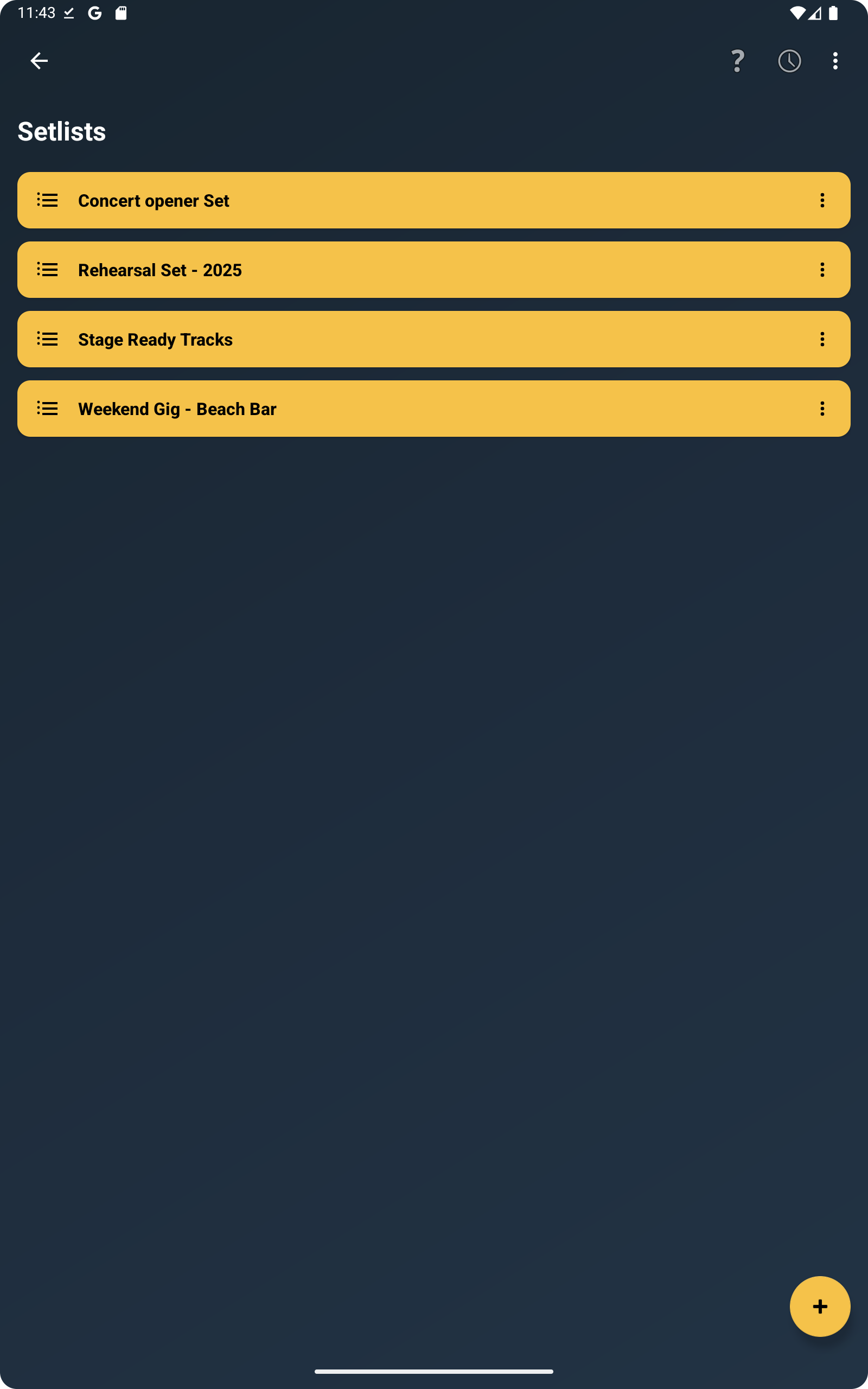
Organize Setlists
Create rehearsal or performance setlists and reorder songs quickly whenever needed.
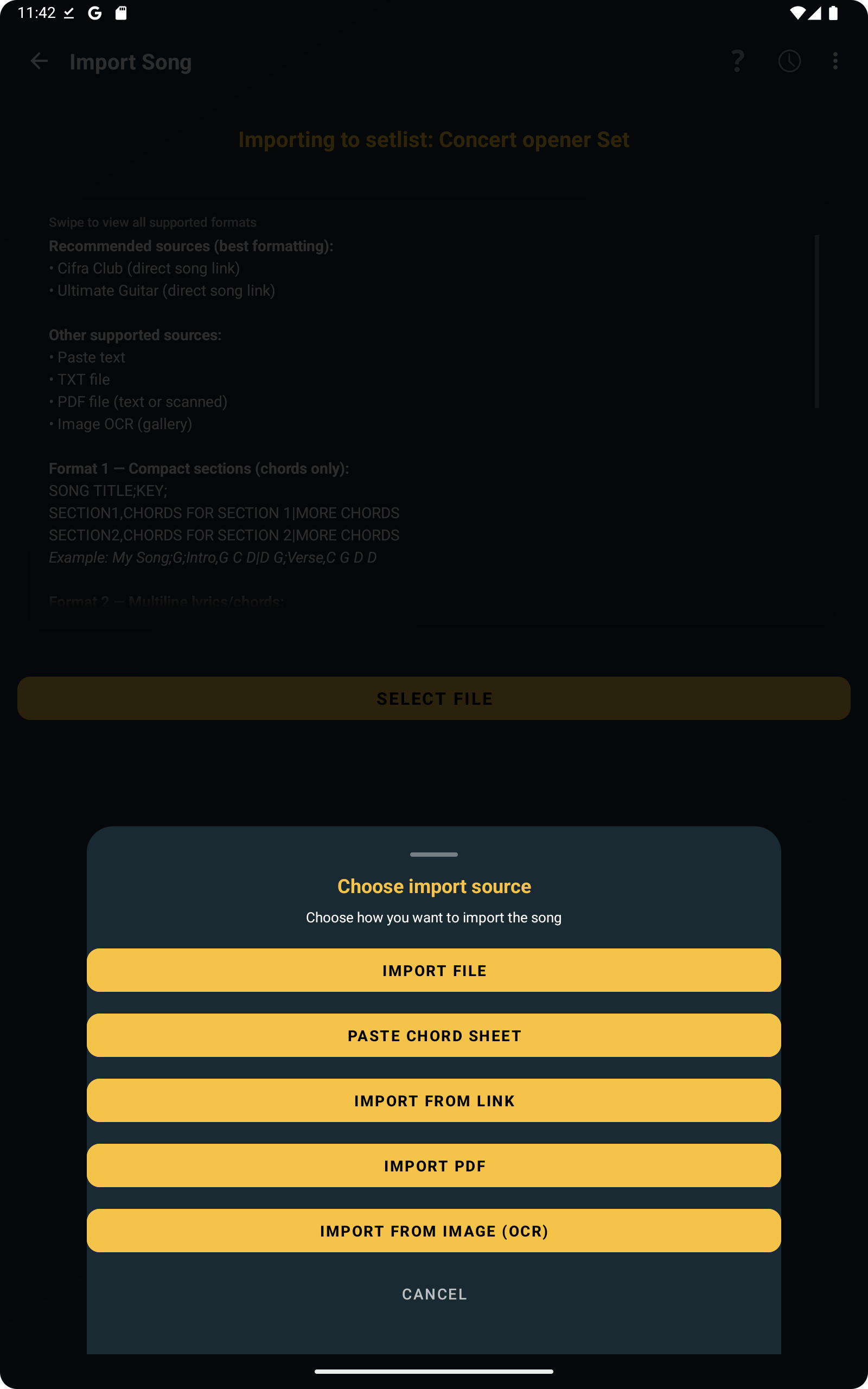
Import Songs
Import songs from text, images or PDF and adjust them before saving.
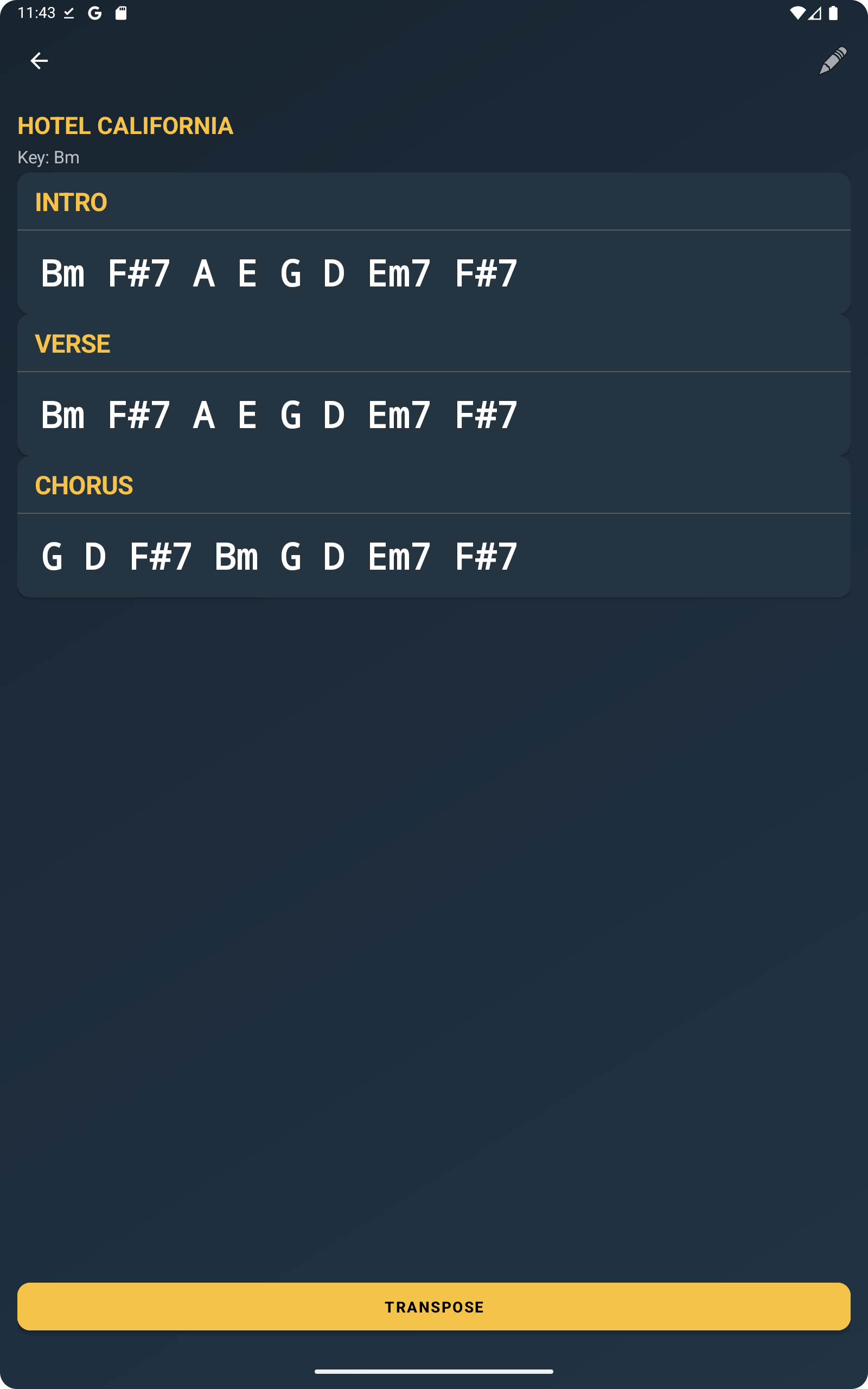
Choose How Songs Are Displayed
Switch between chords-only view or lyrics with chords depending on how you prefer to read songs.
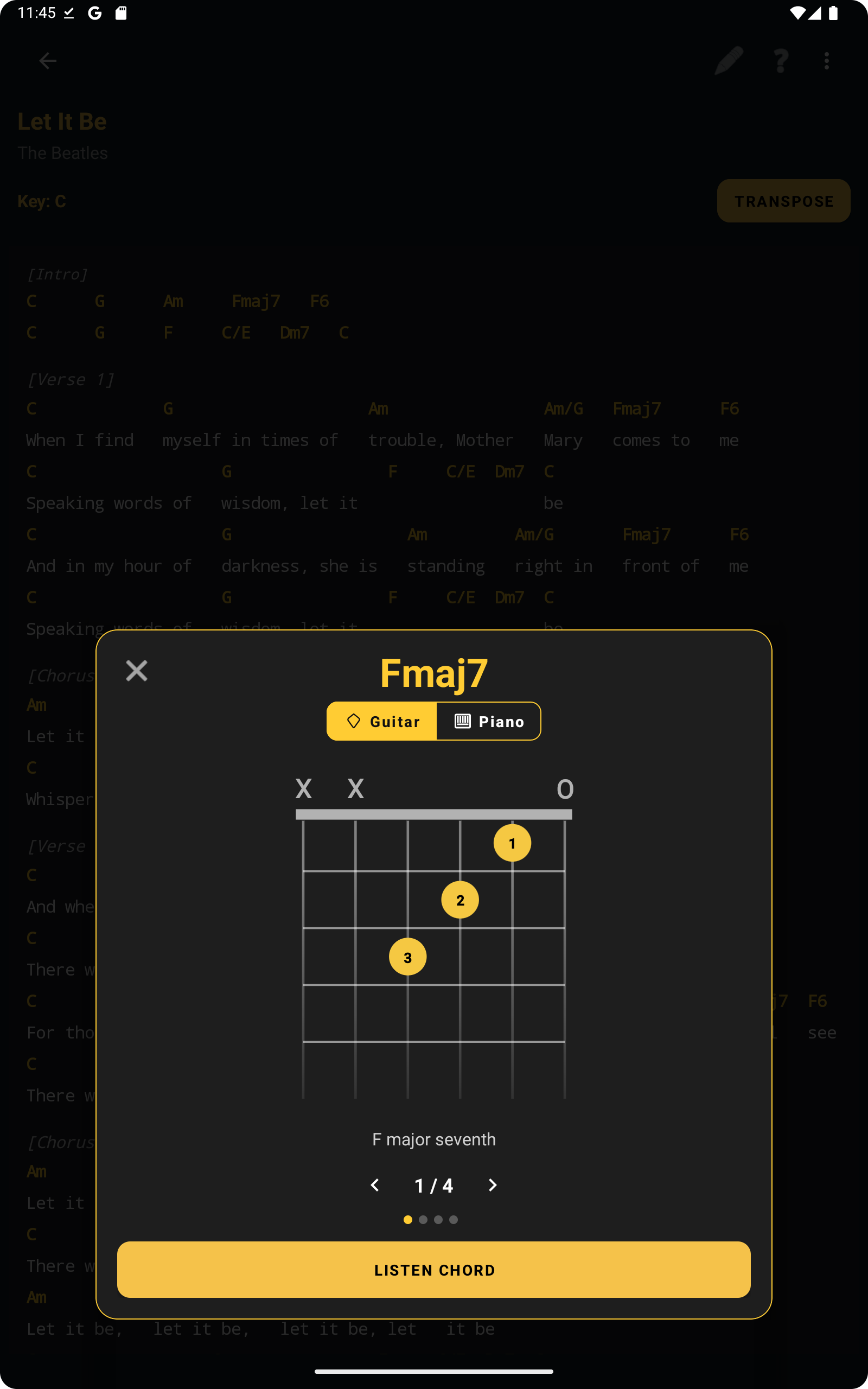
Check Chords Instantly
Tap any chord to see guitar and piano diagrams and listen to the chord directly inside the app.
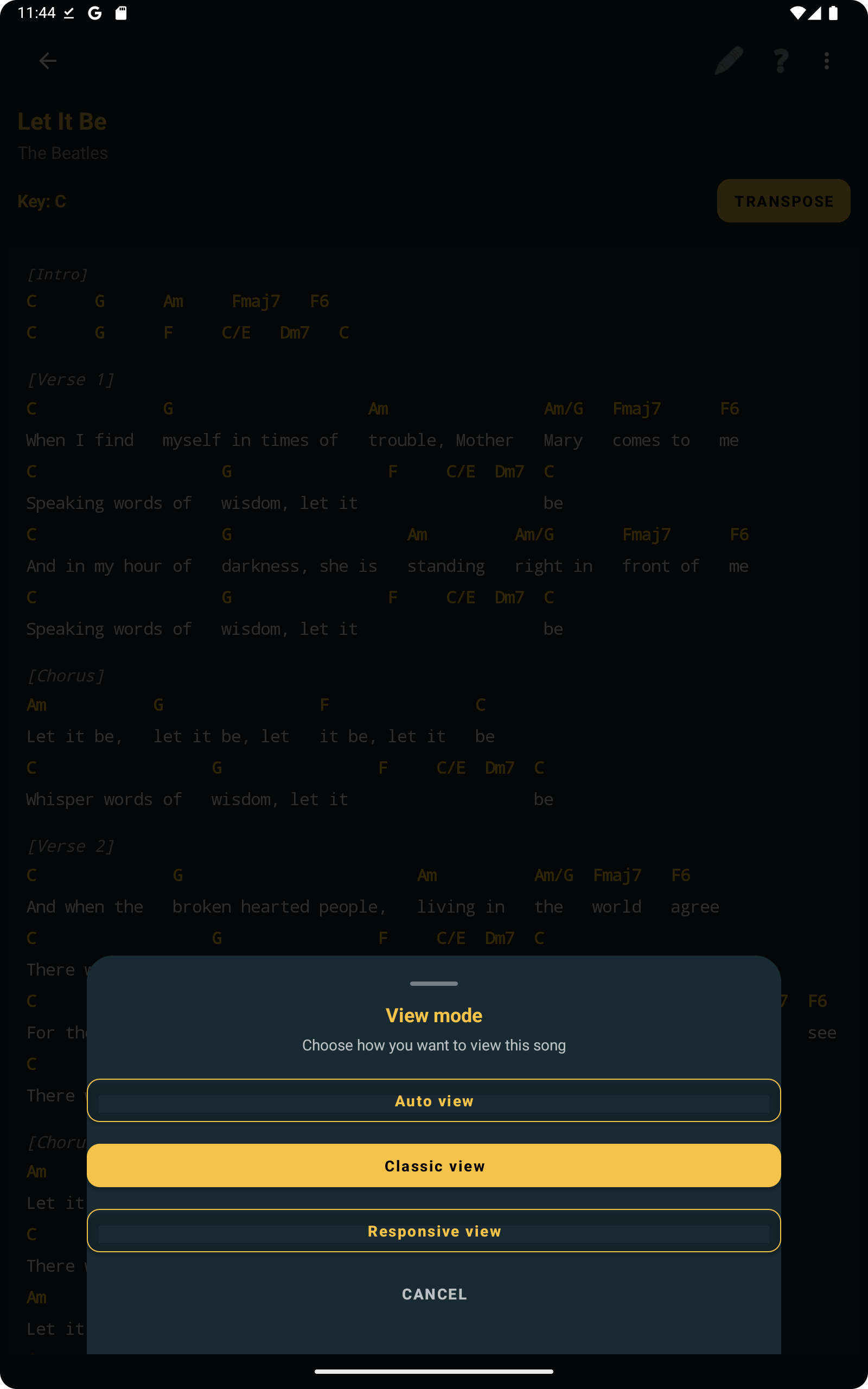
Adjust Reading with View Mode
Choose between automatic, classic or responsive layout for more comfortable reading on different screens.
Backup and Share Songs
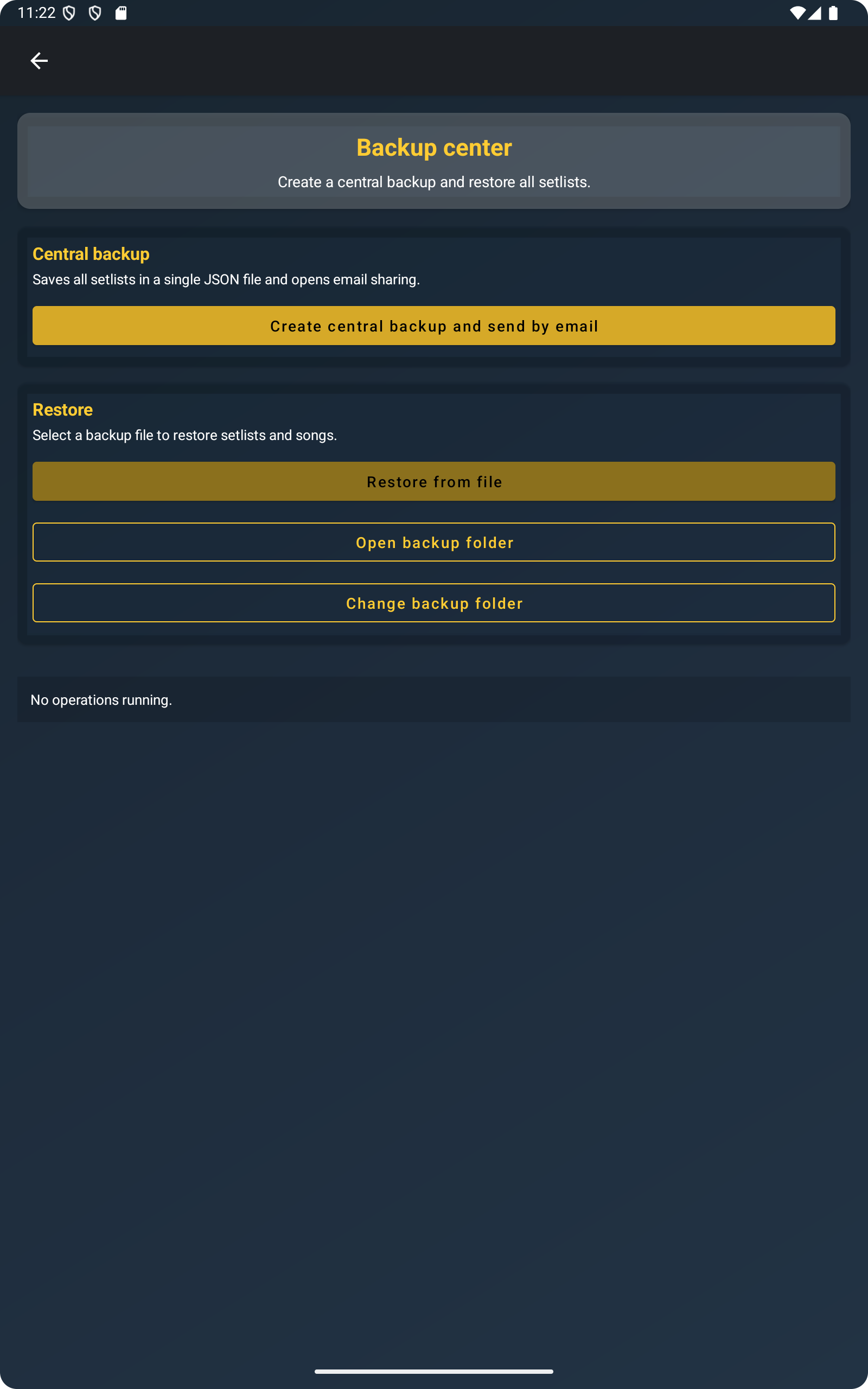
Export full setlists, individual songs or multiple selections and share them by email, WhatsApp or other apps.
Works Offline
ChordFlow works without internet connection, which makes it reliable in rehearsal spaces or live situations.
Keep your rehearsal workflow clear and portable
When songs, chords, reading options, and backup tools live in the same app, it becomes easier to stay organized and prepare without unnecessary interruptions.
Free · No ads · Works offline